Add-on sales without online ordering: the Appero solution
Discover how to trigger add-on sales without online ordering or payment, thanks to the viewing data from your digital menu.
Increasing the average ticket does not necessarily rely on taking orders online. A simple view-only digital menu can already trigger add-on sales, as long as you know how to use what it reveals about your guests.
In this article, you will see how to structure a view-only menu and use its data so that it becomes a real recommendation tool, without touching the way you take payment.
How to Make Add-On Sales Without Online Ordering or Payment
Reading time: ~8 min
- What add-on sales without online ordering or payment means
- View-only menu and data: the real lever for add-on sales
- From viewing to suggestion: how to transform your menu
- Comparing with an online ordering funnel without losing effectiveness
- Put an effective strategy in place with Appero
- Summary and next steps

What add-on sales without online ordering or payment means
It means offering, on site or by phone, a complementary product or a step up in range at the most opportune moment, without going through an internet order. Three levers come up again and again in studies: understanding the need, presenting a relevant product and choosing the right timing.
- Suggest a food and drink pairing suited to the dish.
- Highlight a more generous portion or a complete set menu.
- Offer a dessert or a gourmet coffee when the guest reaches the end of the menu.
The aim is not to push consumption, but to bring real perceived value after actively listening to the guest.
View-only menu and data: the real lever for add-on sales
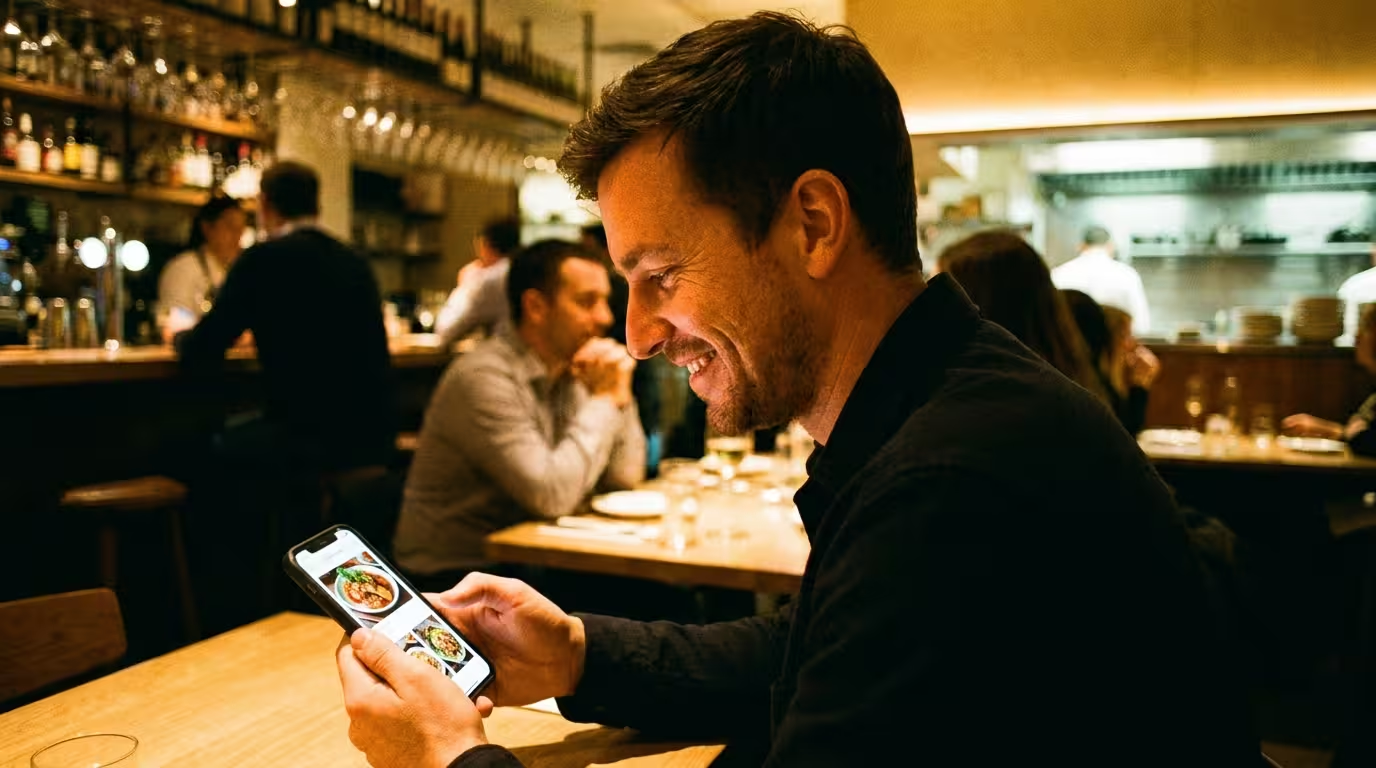
With Appero, guests scan a QR code, browse the menu, then order out loud with the server. No basket and no digital payment: the menu is there to inform and inspire.
What a paper menu cannot do, a digital menu does naturally: it records what your guests look at. Every view generates usable data, views per product, clicks on the suggestions displayed, without ever touching ordering or payment.
Viewing data, your new sales lever
This data changes everything. On a paper menu, you do not know which dishes catch the eye and which suggestions are really looked at before the guest speaks to the server. On a digital menu like Appero, you do.
Two indicators concretely drive add-on sales without online ordering:
- Views per product reveal which dishes generate the most interest, and therefore where to place your most profitable suggestions.
- Clicks on suggestions show which pairings really work: a dessert often viewed after a main, a drink regularly looked at with a starter.
The more relevant these links between products, the more extra views they generate on the associated products. And the more a product is seen before the guest orders, the more likely it is to be asked for out loud to the server. Among restaurateurs who use this data to refine their suggestions, the average effect observed is +8% in add-on sales, with no order or payment passing through the menu.
Role of the menu
Informing and inspiring the guest on site. The final decision is made with the server, who can then pick up on the suggestions seen and on what the viewing data helped identify upstream.
Difference from an e-commerce funnel
In a classic funnel, the add-on sale appears just before the basket is confirmed. Here, the key moment is discovering the options before the guest speaks to the server. The menu must therefore prepare the ground, and the viewing data tells you whether that ground is well prepared.
From viewing to suggestion: how to transform your menu
1. Diagnose the need
Structure the menu in natural stages (aperitifs, mains, desserts) and train staff to ask open questions. The server then confirms the need and opens the door to the recommendation.
2. Link products to each other using the data
Link each dish to a recommended drink, an indulgent extra or a sharing format. On Appero, these suggestions appear automatically in the right place on the menu, and every click feeds your viewing data to refine the pairings over time.
3. Take care of timing
The right moment is just before the order is taken or between two stages of the meal: offer the recommended side as soon as the guest chooses a dish, remind them of the desserts visible before clearing, or put the aperitifs up front at the start of reading.
4. Make the offer simple and credible
Present the extras in few words, limit the options and make the combinations stand out visually. A photo of a gourmet coffee or a mention of “great-value group set menu” is often enough.
5. Adjust using views and clicks
Every week, look at which products generate the most views and which suggestions are clicked most. Strengthen the pairings that work, remove those that stay ignored. Unlike a paper menu, this adjustment costs neither printing nor delay.

Comparing with an online ordering funnel without losing effectiveness
Online ordering: average basket optimised automatically, time saved in the dining room, an autonomous journey, but organisational adaptation, less human contact and a need for deeper digitalisation.
View-only menu: human relationship preserved, flexibility during busy periods and synergy between the visual support and spoken recommendation. Appero was designed for this second model, relying on viewing data rather than a basket.
More info: the Appero solution
Put an effective strategy in place with Appero
Step 1: analyse your guest journey
When the guest scans the QR code, at what point they ask questions, where the server gives the most advice.
Step 2: organise the menu around viewing data
Group recommended drinks near the dishes, create a clearly identified aperitifs section and showcase the desserts. The menu becomes your first silent salesperson, and the views it generates show you where to strengthen the links between products.
Step 3: train the team
Point to the suggestion displayed, remind guests of the visible offer to avoid a forced-sale effect and use benefit-oriented phrases: “the more generous version if you are very hungry”, “this drink goes perfectly with your choice”.
Step 4: track the data and adjust
Track the evolution of views per product and clicks on suggestions in your Appero menu; these are the indicators the digital menu can provide directly. To measure the impact on the average ticket or revenue, cross-check this data with your own till system, as Appero handles neither ordering nor payment. Appero’s SaaS model lets you test new pairings with no printing cost and no delay.
Summary and next steps
Add-on sales without online ordering rest on four pillars: understanding the need, a relevant complement linked through viewing data, controlled timing and a readable offer. A well-designed digital menu that captures your guests’ views and clicks, combined with a trained team, is enough to generate add-on sales while improving the guest experience, with no online ordering or payment.
Want to turn your menu into a sales ally without moving to online payment? Discover the Appero approach