Update your menu in two clicks, translate it automatically, highlight the right products: on paper, a digital menu ticks every box. On the floor, it also raises fair questions, from guests who won’t take out their phone to the fear of losing that personal touch.
Here is an honest look at the pros and cons of digital menus for restaurants, with practical benchmarks to help you choose the right setup for your venue.
QR code menu or paper menu: what to weigh before you decide
Reading time: ~9 min
1. Key takeaways
2. What is a digital restaurant menu?
3. 5 real benefits of a digital menu for restaurants
4. 4 limits to plan for before switching to a QR code menu
5. Digital or paper menu: a side-by-side comparison
6. The hybrid menu: QR code and paper, the best of both
7. Conclusion: which menu is right for your restaurant?
8. FAQ
Key takeaways
• Definition: a digital menu is usually accessed through a QR code, on the guest’s own smartphone.
• Benefits: real-time updates, upselling, lower printing costs, allergens and translations, viewing data.
• Limits: less connected guests, network dependency, impact on hospitality, setup time.
• Comparison: the criteria to choose between paper and digital for your venue.
• Hybrid menu: why combining a QR code and a paper menu is often the best option.
What is a digital restaurant menu?
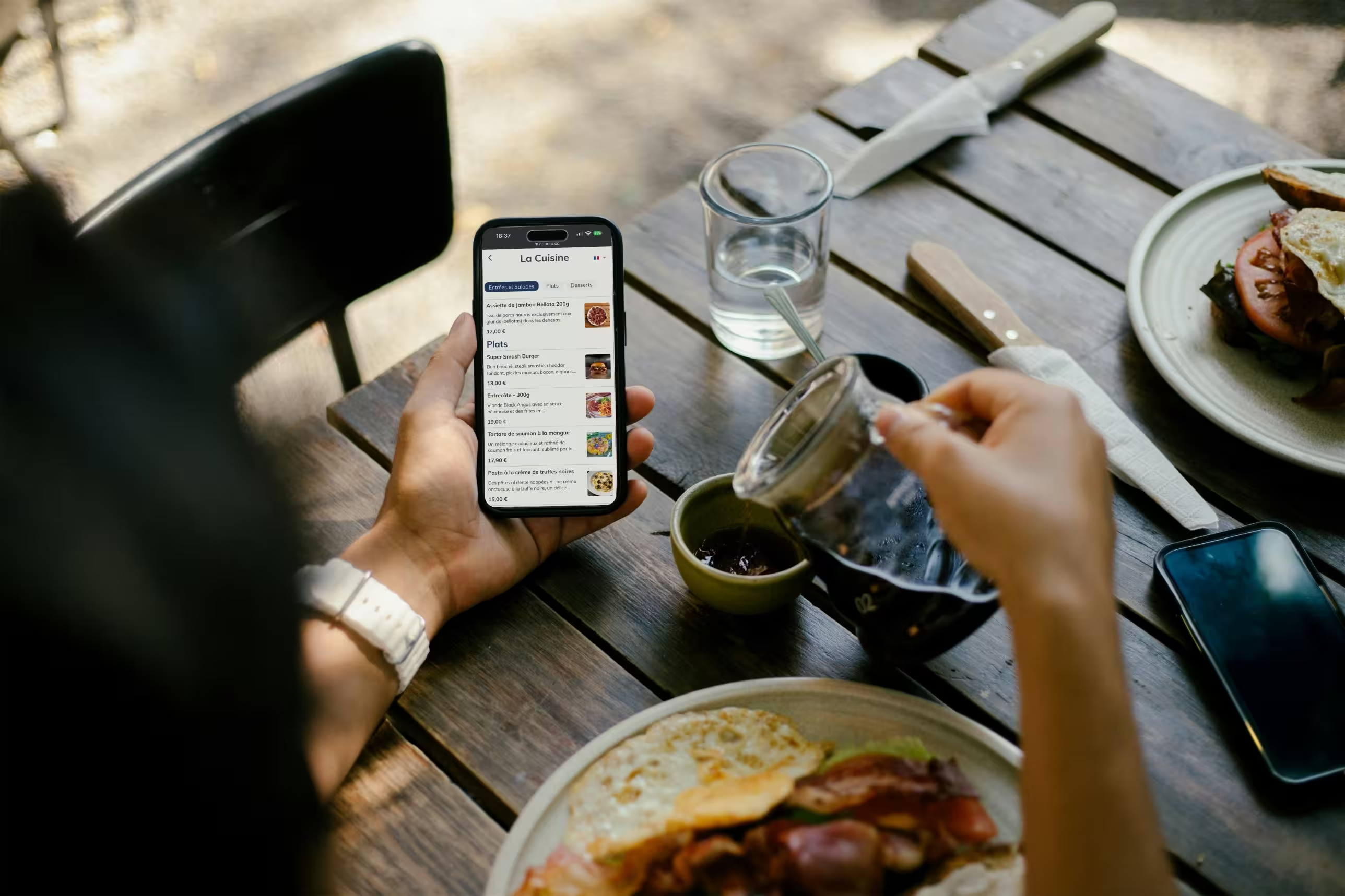
A digital menu is a menu viewed on a screen. By far the most common format is the QR code menu: guests scan a code on the table and browse the menu on their own smartphone, with no app to download.
Tablets or screens provided by the restaurant also exist, but they require a hardware investment and work in a completely different way. This article focuses on the QR code menu.
QR code menus spread widely in 2020 and 2021 because of health restrictions. They have since become a lasting fixture in cafés, hotels and restaurants. In France, the government programme France Num even presents menu digitisation as a way for restaurants to modernise.
So the real question is no longer whether to go digital, but how to do it without hurting your guests’ experience.
5 real benefits of a digital menu for restaurants
1. Update your menu in real time
A sold-out dish can be hidden in seconds, a price fixed from your phone, a wine delivered in the morning added to the menu that same evening. No more trips to the printer, no more crossing out lines with a pen.
Your floor staff no longer have to announce sold-out items table by table. For groups and multi-site venues, keeping a consistent menu across locations also becomes much easier.
2. Boost upselling
A well-built digital menu shows the right products at the right moment: a mouth-watering photo, a side suggested next to the main, a dessert or a wine offered in the right place. Guests browse at their own pace and discover items they would have missed on a text-only menu.
Venues using Appero see on average +8% in sales thanks to suggestions and product highlighting. It is an average, not a guarantee: results depend on your concept, the quality of your photos and how your menu is structured.
3. Cut printing costs
Design, printing, lamination, replacing worn or outdated copies: a quality paper menu is expensive, especially if it changes every season. With a digital menu, every update is free. The more often your menu changes, the more you save.
4. Inform your guests better: allergens, labels and languages
A digital menu is not limited by the size of a page. You can display allergens dish by dish, showcase your labels and the origin of your products, and write richer descriptions. The result: fewer repeated questions on the floor and fewer mistakes.
For restaurants in tourist areas, automatic menu translation is a game changer. A foreign guest who understands what they are reading chooses with more confidence and leaves with a better impression of your venue.
Finally, for some guests, not having to handle a menu passed from hand to hand is still a real plus.
5. Data to fine-tune your menu
A paper menu tells you nothing. A digital menu shows you what your guests look at: number of menu users, most viewed products, where your visitors come from, clicks to your social media.
Cross-checked with your sales, this data reveals a dish that gets lots of views but few orders, or a profitable item nobody notices. That is the foundation of menu engineering, based on real behaviour rather than gut feeling.
4 limits to plan for before switching to a QR code menu
1. Some guests are left out
Older guests, flat batteries, old smartphones, poor reception: some of your guests will not be able, or willing, to scan a QR code. Research on QR menu adoption lists outdated devices and poor Wi-Fi coverage among the main barriers.
If your clientele is older or not very comfortable with technology, this point should weigh heavily in your decision.
2. Dependency on the network and the guest’s phone
Venue Wi-Fi, mobile network, battery, a damaged or poorly lit QR code: any of these can block access to the menu just as the guest sits down. A well-printed, well-placed QR code and easy Wi-Fi access remove most of this friction.
The content also needs to stay alive. Good photos, accurate descriptions, up-to-date availability: without someone in charge of updates, a digital menu can quickly show an outdated offer.
3. A risk for hospitality
Handing over the menu is often the first exchange between the server and the table. Replacing that gesture with a QR code alone can feel cold, especially in fine dining or in venues that pride themselves on their welcome.
Some guests also refuse to take out their phone at the table. And a poorly designed, slow or confusing menu damages your venue’s image instead of serving it.
4. Setup time to plan for
A QR code menu runs on a simple subscription, with no hardware. Tablets and screens in the dining room require a real investment. Either way, plan time to enter your menu, take photos and introduce the tool to your team.
On the data side, check privacy and GDPR compliance with your provider, especially if the menu tracks visitor behaviour.
Digital or paper menu: a side-by-side comparison
Here is how the two formats compare on the criteria that matter day to day.
Menu updates: reprint at every change for paper, a few clicks with a QR code.
Accessibility: universal with paper, harder with a QR code for guests who are not comfortable with smartphones.
Content depth: limited by the format for paper, photos, descriptions, allergens and languages with a QR code.
Upselling: relies entirely on the server with paper, supported by photos and suggestions with a QR code.
Hospitality: strong with paper, variable with a QR code depending on the concept and clientele.
Cost: low upfront for paper but repeated with every version, a subscription with no hardware for a QR code.
Sold-out items: manual and error-prone with paper, instant with a QR code.
International guests: several printed versions for paper, built-in translation with a QR code.
There is no one-size-fits-all answer. A fine dining restaurant with loyal regulars does not have the same needs as a tourist pizzeria serving 200 covers per service. Look at your clientele, your positioning, how often your menu changes and how much time you have to manage it.
The hybrid menu: QR code and paper, the best of both
In most venues, the right answer is not one or the other, but both: a QR code on every table, and a few paper menus offered to guests who don’t take out their phone.
You keep the benefits of digital (up-to-date menu, photos, translation, data) without leaving anyone out or giving up the welcoming gesture. If the network goes down or a QR code can’t be read, service carries on. This is how most restaurants using Appero work.
Good to know: in tourist areas, an automatically translated menu lets foreign guests read your menu in their own language, with no action needed from your team.
Conclusion: which menu is right for your restaurant?
A digital menu brings real gains: an always up-to-date menu, more add-on sales, better informed guests and data to steer your offer. Its limits are just as real: less connected guests, network dependency, the risk of losing the personal touch. Better to plan for them than to discover them later.
For most restaurants, the hybrid approach remains the safest choice in 2026.
FAQ
How much does a digital menu cost for a restaurant?
It depends on the format. A QR code menu runs on a subscription, with no hardware to buy. Tablets or screens in the dining room also require a significant hardware investment. In both cases, savings on printing help offset the cost, especially if your menu changes often.
How do you avoid excluding older guests with a QR code menu?
Keep a few paper menus on hand and offer them to guests who don’t take out their phone or seem hesitant. Your floor team plays a key role here. With this hybrid approach, you don’t lose any guests while still using digital for most tables.
Does a QR code menu work on all smartphones?
Almost all recent smartphones, iPhone and Android alike, read QR codes directly with the camera, no app needed. Issues mainly concern very old phones, limited data plans and low batteries. Free Wi-Fi in the dining room significantly reduces this friction.
Is a digital menu right for every restaurant?
Not necessarily. A fine dining restaurant or a venue with mostly older guests may find a QR code at odds with its positioning. On the other hand, high-volume venues, tourist restaurants and places that change their menu often have a lot to gain. Your clientele and your concept should guide the decision.
Is a digital menu GDPR compliant?
It depends on the provider. A view-only menu that collects no personal data raises few issues. If the menu includes tracking tools or forms, check that your provider complies with the GDPR and that a clear privacy policy is available.
Can you collect customer reviews with a digital menu?
Yes. A link to your Google profile, TripAdvisor or social media can be built right into the menu. Guests leave a review while their phone is still in hand, without any pushy approach.