

A restaurant’s Google Business Profile is very often the first point of contact between a hungry web user and your venue. Complete, consistent and active, it can literally double your incoming calls and phone bookings. Below is a step-by-step guide to turn your profile into a real call-generating machine.
Each optimisation is based on local search data, on the official Google Business Profile guidelines and on the real habits of customers in a hurry to find somewhere to have lunch or dinner. Follow the approach and measure the impact directly in your Google statistics!
15 Optimisations on Your Google Business Profile to Double Your Calls
Reading time: ~11 min
1. Why your restaurant’s Google Business Profile has such a big impact on your calls
2. Checklist of the 15 optimisations for your restaurant’s Google Business Profile
3. Dos and don’ts on your restaurant’s Google Business Profile
4. Frequently asked questions on optimising your Google Business Profile for a restaurant
Why your restaurant’s Google Business Profile has such a big impact on your calls
When a web user types “restaurant near me” or “restaurant + your city”, Google displays local listings first. The top three results capture most clicks on the “Call” button. Local ranking is based on relevance, distance and prominence; a rich, consistent listing full of recent reviews therefore ranks higher.
For a restaurant, the “Call” button remains the most used action along with “Directions”. An incomplete or poorly illustrated listing sends a valuable share of those calls to your neighbours. Good news: many competitors still ignore the advanced features, leaving plenty of room for improvement.
Checklist of the 15 optimisations for your restaurant’s Google Business Profile
1. Check the name and the consistency of your key information
Display exactly your restaurant’s name, with no superfluous keywords. Use the same spelling for the name, address and phone number on your website, social media and directories: Google rewards this consistency and your customers avoid any risk of error when dialling the number.
2. Choose the right primary and secondary categories
Select the most precise primary category (pizzeria, fine dining restaurant, etc.), then add the secondary categories that are genuinely relevant (wine bar, caterer…). A sharp choice can generate several tens of percent more clicks to call.
3. Write a description focused on benefits and calls
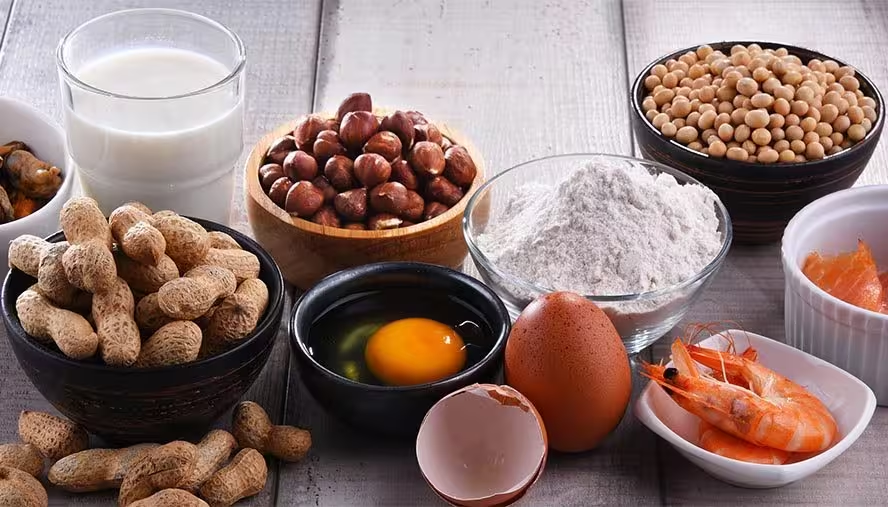
Your description should reassure and make people want to book straight away: home cooking, sunny terrace, fast service… End with a clear call to action: “Call to book your table or ask your allergy questions”.
4. Optimise your phone number, opening hours and special periods
Display the number that is actually answered for bookings and keep your hours up to date (public holidays, tourist season). A restaurant shown as “closed” loses most of its calls.
5. Connect your website and your intelligent digital menu
Enter your website URL and, if you use a QR code digital menu, link directly to the menu page.
6. Add and structure the menu directly in Google
Complete the “Menu” section with starters, mains, desserts and drinks. A visible, up-to-date menu strongly increases clicks on the call button.
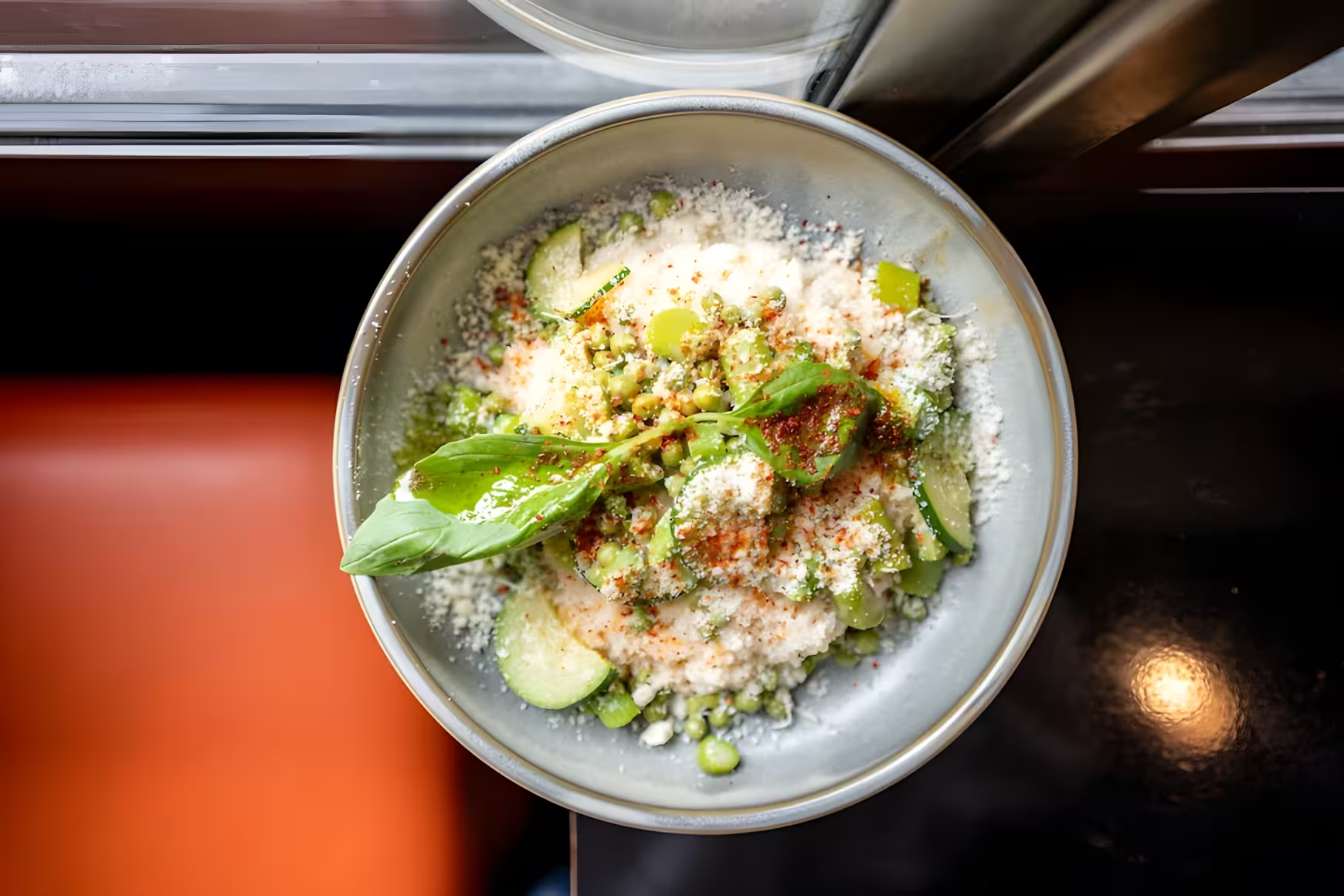
7. Use professional photos that make people hungry
Listings rich in visuals attract more visits and calls. Make sure you publish:
• Exterior and signage so people can spot the address
• The dining room and terrace in action
• Signature dishes and drinks
• The team at work
Need help? See our restaurant food photo shoot offer.
8. Add a few short videos
Show the atmosphere of a service, the preparation of a signature dish or a quick tour of the terrace; this lively content removes the last hesitations before dialling your number.
9. Actively manage your customer reviews
Invite satisfied customers to leave a review and always reply, even to criticism. Slip useful pointers into your replies: “Booking recommended by phone”, “Calls are answered faster between 3 pm and 6 pm”.
10. Publish Google Posts regularly
Highlight your seasonal menu, lunch deal, themed evening or exceptional closure. Always add “Call to book”. Recent posts tell Google that your listing is alive.
11. Set the relevant attributes and services
Specify dine-in, takeaway, terrace, wheelchair access, vegetarian, vegan or gluten-free options; your future customers filter better and no longer call “for nothing”.
12. Monitor and feed the Questions & Answers section
Reply quickly to questions left by web users, or anticipate them (parking, pets, booking) by posting them and answering them yourself.
13. Use your listing’s statistics
Check every month the number of calls, peak hours and frequent searches. Adjust your Google Posts, your hours or your description according to the peaks you observe.
14. Align your listing with your other online presences
Address, hours, phone, positioning: everything must be identical on your website, your social media and directories. An inconsistency makes Google doubt… and so do your customers.
15. Set up a mini update process
Name a person in charge, check the listing every month, update the menu with each menu change and publish at least one regular Google Post; this discipline makes your profile a constant acquisition lever.
Dos and don’ts on your restaurant’s Google Business Profile
Do: use a clear name, fill in every section, reply to reviews (even negative ones), keep hours and menu up to date, publish accurate, professional photos.
Don’t: overload the description with keywords, choose off-topic categories, leave old numbers or hours, publish misleading photos, ignore the Questions & Answers section.

Frequently asked questions on optimising your Google Business Profile for a restaurant
Do you absolutely have to publish photos?
Yes. Listings rich in images get far more clicks to the website, directions and above all the call button. Catering is a highly visual sector.
How often should you update the listing?
Check at least monthly, update your hours immediately when they change and refresh the menu with each new menu. Posting regularly keeps the listing fresh and visible.
Do Google Posts have an impact on calls?
They do not do everything, but they trigger extra bookings when they highlight an attractive offer or event, especially with recent photos and recent reviews.
Is an intelligent digital menu compatible with Google Business Profile?
Yes. You can both fill in the “Menu” section in Google and add a direct link to your QR code menu. Example: Appero menu.
By methodically applying these 15 optimisations, your listing goes from a simple business card to a powerful phone booking channel. Combine reliable information, appetising visuals, a clear menu and regular interactions to maximise your calls.