Setting up a professional kitchen recipe sheet is a powerful lever: it protects your margins, standardises recipes and trains the team quickly. A good sheet centralises food costs, losses, allergens, timings and a final photo of the dish.
This step-by-step guide explains how to build a complete sheet that the whole brigade can use, and offers a template you can import into your spreadsheet or digital tools.
How to Create the Perfect Kitchen Recipe Sheet
Reading time: ~12 min
1. Recipe sheet: definition and goals
2. Essential content of a recipe sheet
3. Steps to create the perfect recipe sheet
4. Professional template to adapt
5. Common mistakes and best practices
6. Adapt your sheets to your type of business
7. Mini FAQ
8. Going further
Recipe sheet: definition and goals
The recipe sheet is the identity card of each dish: a single document to guarantee the same result in the kitchen every time and keep costs under control.

In practice, it brings together
the name of the dish and the number of portions; the precise list of ingredients and their quantities; the preparation steps with timings and yields; the total food cost and the cost per portion; the allergens (and nutritional values if needed); a plating photo and presentation instructions.
Main goals
Standardise your recipes: guarantee taste and presentation, even when it is very busy.
Control food cost: know the exact price of each portion, losses included.
Set a consistent selling price: apply a coefficient or a profitable target rate.
Make training easier: a new recruit follows a clear procedure without a long shadowing period.
Protect your guests: allergens identified, reliable communication on paper or QR code menus.
Essential content of a recipe sheet
To be useful, the sheet covers both the recipe and the management side.
Essential sections
• Dish identification: name, category, optional internal code
• Number of portions: standard yield (e.g. 10 covers)
• Ingredients: detailed list with precise names
• Gross weight / net weight: before and after peeling or trimming
• Loss rate: percentage between gross and net, cooking losses included
• Unit price excl. VAT: price list price (kg, l, piece…)
• Quantity used: net quantity per batch or portion
• Food cost: total for the recipe and per portion
• Preparation steps: order, preparation and cooking times
• Equipment needed: combi oven, food processor, specific moulds…
• Final yield: portions actually obtained after cooking
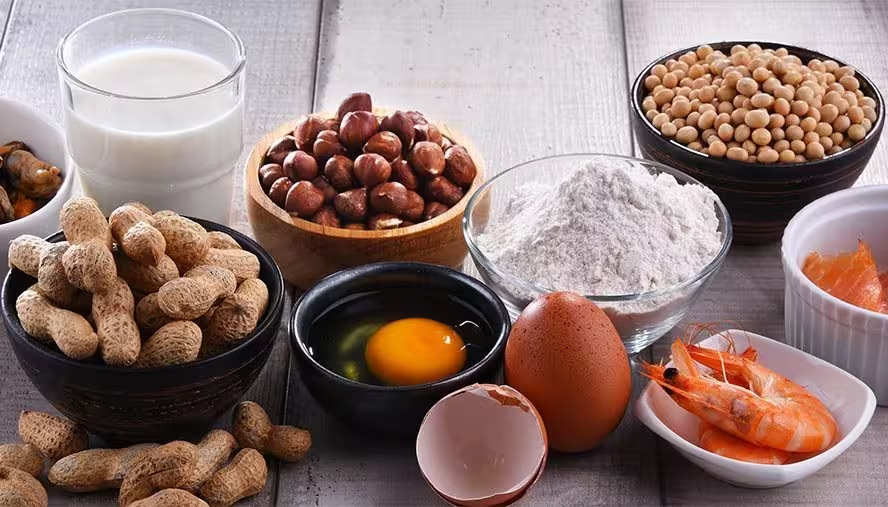
• Allergens: presence of the 14 major allergens
• Nutritional values: optional depending on obligations
• Presentation tips + photo: type of plate, garnish, plating
In commercial catering, the food cost / coefficient / selling price trio is central. In contract catering, you often add environmental impact, waste and regulatory portion weights.
Steps to create the perfect recipe sheet
1. List the ingredients precisely
Note the exact name, the form of purchase (fresh, frozen…) and the unit (kg, l, piece). Avoid approximate measures.
2. Fill in price, gross/net weight and losses
Enter gross and net weight for each ingredient, calculate the loss rate and add cooking losses if they are significant. Use your price list for the unit price excl. VAT. For salt, pepper, herbs… add a flat condiment allowance so you do not underestimate the cost.
3. Calculate the food cost
Ingredient cost = unit price × net quantity. The sum gives the total cost, then divide by the real number of portions to get the cost per portion.
4. Set the selling price
Either with a coefficient (price incl. VAT ≈ food cost × coefficient), or starting from a target food cost (for example 30% of the selling price excl. VAT). Test different portion weights; menu engineering tools make these simulations easier.
5. Formalise steps, timings and plating
Detail the order of actions, preparation times, temperatures, resting and special equipment. Finish with plating instructions and insert a sharp photo of the dish. Need a professional result? See the restaurant food photo shoot service.
Professional template to adapt
Header block: dish name, type (starter/main/dessert), number of portions, person in charge and update date.

Ingredient table: ingredient, gross weight, loss rate, net weight, purchase unit, unit price excl. VAT, net quantity, ingredient cost, allergens.
Management summary: total food cost, actual portions, cost per portion, target food cost %, planned coefficient, recommended selling price.
Method: numbered steps with timings, equipment, plating, photo of the final dish. This data fits easily into a QR code menu or a tool like Appero.
Common mistakes and best practices
Common mistakes: forgetting gross/net losses, neglecting cooking reductions, ignoring the value of condiments, letting prices go stale, leaving out allergens, producing sheets that are never used.
Dos and don’ts
Update prices and losses at least once a year: do not leave sheets frozen for years.
Test the real yield in service conditions: do not assume a recipe for 4 multiplies perfectly for 40.
Flag allergens clearly: do not rely on the memory of a single chef.
Specify the plating with a supporting photo: do not let everyone improvise the presentation.
Centralise sheets in a shared tool: do not multiply scattered versions.
Link sheets, sales and guest feedback: do not work on costs without looking at actual sales.
Adapt your sheets to your type of business
Commercial catering
Monitor food cost per portion, unsold items and the balance between perceived price and profitability. You will identify high-margin dishes, those that are popular but too costly, and those that hurt profitability.
Contract catering
Include regulatory portion weights, nutrition plans, large-scale allergen management and waste reduction. Cost per portion remains central but sits within an often strict budget per meal.
Mini FAQ
Is a recipe sheet different from a simple recipe? Yes: it adds exact quantities, losses, costs, yield, allergens and presentation.
Do you need a sheet for every dish? Start with the dishes that weigh most on revenue and margin, then extend to the whole menu.
Should labour be included in the sheet? No: the sheet focuses on food cost. Payroll and charges are tracked elsewhere.
How do you handle supplier price changes? Update your price list regularly, starting with volatile products (animal proteins, etc.).

Going further
A successful recipe sheet is at once a detailed recipe, a food cost calculator and a training tool. Linked to your paper menu and an intelligent digital menu, it supports your margins and your decisions. Explore more resources on the Appero blog for restaurateurs.